
Published 09.06.2026
Magento 2 XML Layout Cheat Sheet: Most Useful XML Instructions for Frontend Developers
A practical cheat sheet of the most commonly used Magento 2 Layout XML instructions for frontend developers. Learn how to add, remove, and move blocks, include CSS, JavaScript, and fonts, work with layout handles, arguments, and page layouts.
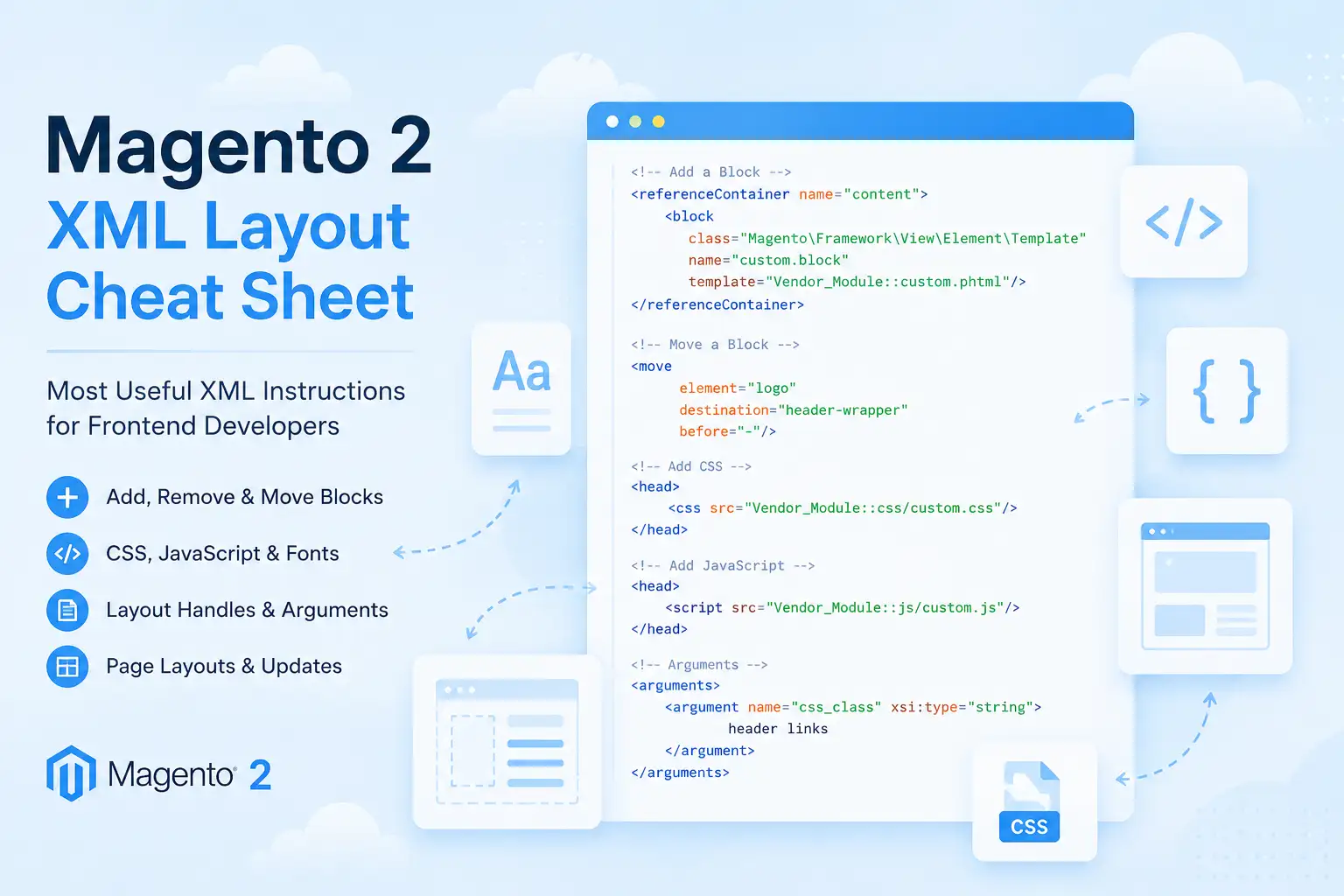
Layout XML is one of the most important tools in Magento 2 frontend development. Whether you work with Luma, Hyvä Theme, or a custom theme, you constantly need to add, remove, and move blocks through XML.
This cheat sheet contains the XML instructions that Magento developers use most frequently in real-world projects.
Add a Block
<referenceContainer name="content">
    <block
        class="Magento\Framework\View\Element\Template"
        name="custom.block"
        template="Vendor_Module::custom.phtml"/>
</referenceContainer>
Used to add a new block inside a container.
Remove a Block
<referenceBlock name="compare.link" remove="true"/>
Removes an existing block from the page.
Remove a Container
<referenceContainer name="sidebar.main" remove="true"/>
Removes a container together with all its child blocks.
Move a Block
<move
    element="logo"
    destination="header-wrapper"
    before="-"/>
Moves an existing block to another container.
Add CSS
<head>
    <css src="Vendor_Module::css/custom.css"/>
</head>
Adds a CSS file to the page.
Add JavaScript
<head>
    <script src="Vendor_Module::js/custom.js"/>
</head>
Adds a JavaScript file to the page.
Remove CSS or Fonts
<remove src="css/style.css"/>
<remove src="fonts/font.css"/>
Useful when overriding parent theme assets.
Fonts
<font src="fonts/opensans/light/opensans-300.woff2"/>
Preload a font:
<link
    rel="preload"
    as="font"
    type="font/woff2"
    src="fonts/assistant-v24-hebrew_latin-regular.woff2"/>
Commonly used in Hyvä projects to improve Core Web Vitals.
Page Layout
One column:
<page layout="1column">
Two columns with left sidebar:
<page layout="2columns-left">
Available layouts:
- 1column
- 2columns-left
- 2columns-right
- 3columns
- empty
Include Another Layout Handle
<update handle="customer_account"/>
Allows reusing layout updates from another handle.
Pass Arguments to a Block
<arguments>
    <argument name="css_class" xsi:type="string">
        header links
    </argument>
</arguments>
Passes custom data into a block.
Access Arguments in PHP
$cssClass = $this->hasCssClass()
    ? ' ' . $this->getCssClass()
    : '';
Magento automatically generates getter methods from argument names.
Conclusion
Most Magento 2 frontend customizations can be achieved using just a few Layout XML instructions. Understanding blocks, containers, assets, handles, and arguments will cover the majority of day-to-day frontend development tasks.