
Published 21.05.2026
Slash Commands in Codex CLI: Developer Cheat Sheet
A practical cheat sheet of essential slash commands in Codex CLI for developers, including /plan, /ide, /permissions, /diff, /review, /compact, /resume, /model, /fast, and more.
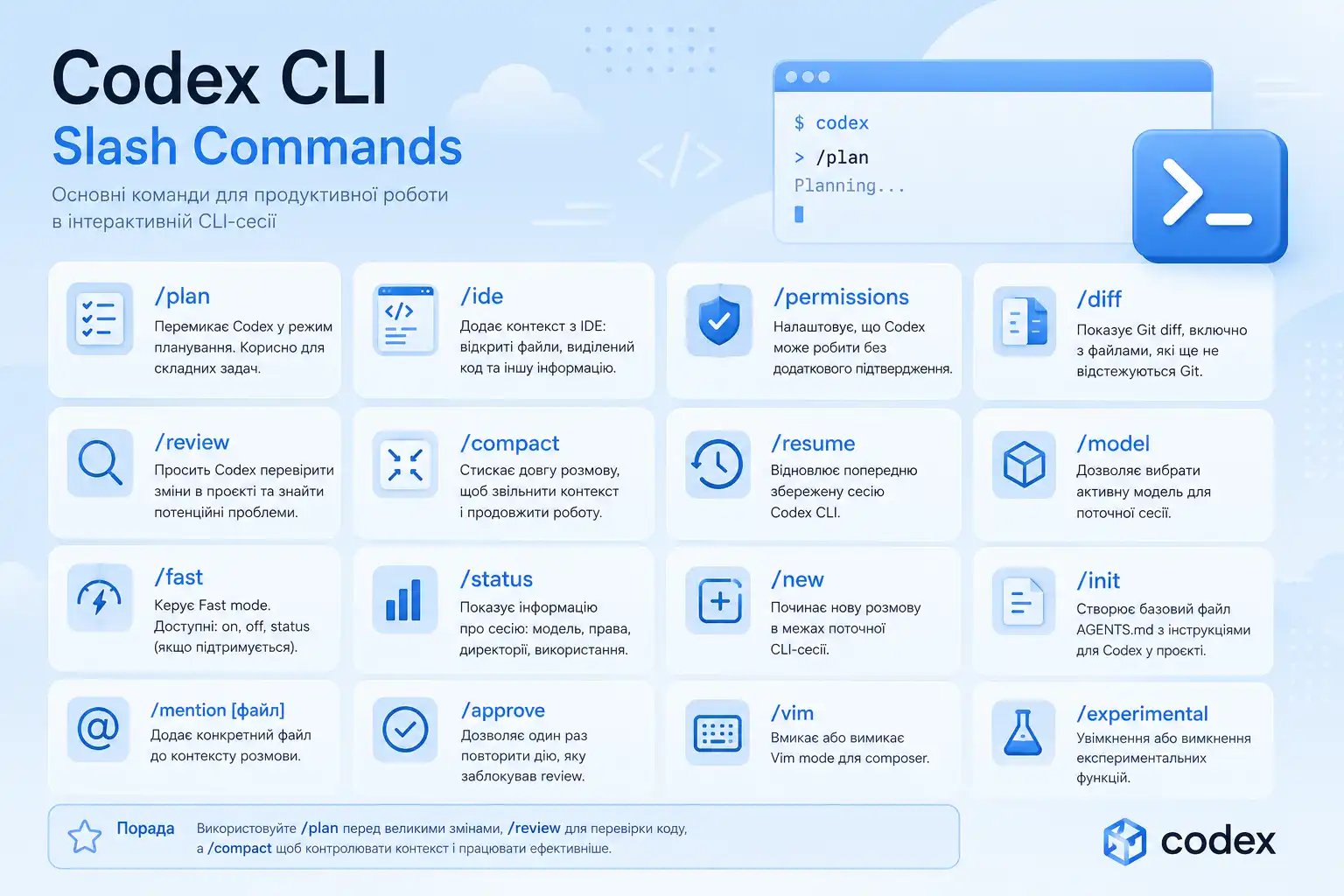
Codex CLI supports slash commands — special commands that let you control an interactive Codex session directly from the terminal.
With slash commands, you can switch models, include IDE context, adjust permissions, inspect Git diffs, run reviews, compact long conversations, and resume previous sessions.
Essential Codex CLI Commands
/plan
/planSwitches Codex into planning mode. Useful before large refactoring tasks, new features, or complex implementation work.
/ide
/ideIncludes context from your IDE, such as open files, current selection, and editor state.
/permissions
/permissionsLets you configure what Codex is allowed to do without asking for confirmation.
/diff
/diffShows the Git diff, including files that are not tracked by Git yet. Useful before committing or reviewing changes.
/review
/reviewAsks Codex to review the current working tree and look for potential issues.
/compact
/compactSummarizes a long conversation to free context while keeping the important details.
/resume
/resumeResumes a previously saved Codex CLI session.
/model
/modelLets you choose the active model for the current session.
/fast
/fast on
/fast off
/fast status
Controls Fast mode when it is available for the current model.
/status
/statusDisplays session details such as the active model, approval policy, writable roots, and context usage.
/new
/newStarts a new conversation inside the current CLI session.
/init
/initGenerates a basic AGENTS.md file with project instructions for Codex.
/mention
/mention src/example.tsAdds a specific file to the conversation context.
/approve
/approveApproves one retry of a recent action that was denied by automatic review.
/vim
/vimToggles Vim mode for the composer.
Most Useful Commands for Daily Development
/plan
/ide
/permissions
/diff
/review
/compact
/resume
/model
/fast
/status
Conclusion
Slash commands in Codex CLI help developers control the AI coding agent faster without leaving the terminal. The most useful commands are related to planning, IDE context, reviewing changes, managing permissions, and resuming previous sessions.