Published 13.06.2026
Git Cheat Sheet: Most Common Commands for Everyday Development
A practical Git cheat sheet with commands developers use every day: clone, status, add, commit, pull, push, branch, merge, stash, reset, revert, and working with remote repositories.
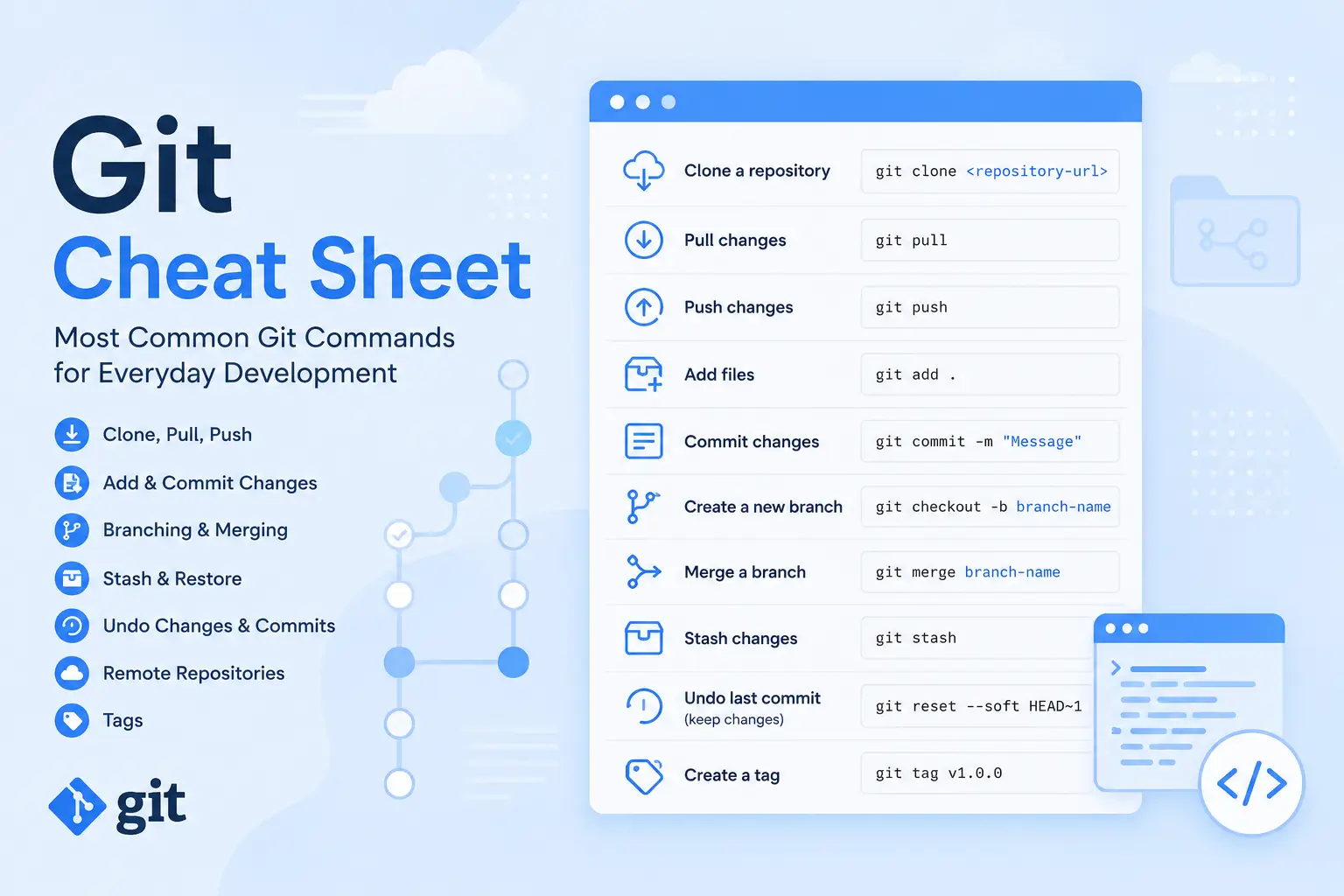
Git is one of the most important tools in a developer's daily workflow. It is used to track changes, work with branches, collaborate with a team, review code, and deploy projects.
This cheat sheet contains the most common Git commands developers use when working on real projects.
Git Configuration
Set your username
git config --global user.name "John Doe"Set your email
git config --global user.email "john@example.com"This information will be used in your commits.
Clone a Repository
Copy a project locally
git clone git@github.com:user/project.gitThis command creates a local copy of a remote repository.
Check Project Status
Show the current status
git statusShows modified, new, and staged files.
Pull Changes
Get the latest changes from the remote repository
git pullThis command downloads new changes and merges them into the current branch.
Add Files
Add all changed files
git add .Add a specific file
git add file.phpAfter this command, files are added to the staging area and will be included in the next commit.
Create a Commit
Create a commit with a message
git commit -m "Fix checkout bug"A commit saves staged changes in Git history.
Push Changes
Send changes to the remote repository
git pushThis command uploads local commits to a remote server such as GitHub, GitLab, or Bitbucket.
Commit History
View commit history
git logShort one-line history
git log --onelineUseful when you need to quickly find a commit hash.
Working with Branches
List branches
git branchCreate a new branch and switch to it
git checkout -b feature/new-moduleSwitch to an existing branch
git checkout developOr use the newer syntax:
git switch developMerge Branches
Merge another branch into the current branch
git merge feature/new-moduleBefore running merge, make sure you are currently on the branch that should receive the changes.
Temporarily Save Changes
Save uncommitted changes
git stashRestore the latest stashed changes
git stash popList stash entries
git stash listStash is useful when you need to quickly switch branches, but your current changes are not ready to be committed yet.
View Changes
Show file differences
git diffThis command shows what has changed before files are added to the staging area.
Undo Changes
Discard changes in a specific file
git restore file.phpDiscard all uncommitted changes
git restore .Be careful: these commands remove local unsaved changes.
Undo Commits
Undo the last commit but keep the changes in your files
git reset --soft HEAD~1Useful when a commit was created too early or you need to change its message.
Undo the last commit together with its changes
git reset --hard HEAD~1This command completely removes the last commit and its file changes. Use it very carefully.
Safely revert a specific commit
git revert <commit_hash>Revert creates a new commit that cancels changes from the selected commit. This is safer for shared branches.
Remote Repositories
Show connected remote repositories
git remote -vChange the origin URL
git remote set-url origin git@github.com:user/project.gitRemove Files
Remove a file from the project and Git
git rm file.phpAfter this, create a commit to save the file removal.
Tags
Create a tag
git tag v1.0.0Push a tag to the remote repository
git push origin v1.0.0Tags are commonly used to mark releases.
Conclusion
In everyday development, developers mostly use Git commands for checking status, creating commits, working with branches, pulling and pushing changes.
If you understand status,
add, commit, pull, push, branch, merge,
stash, reset, and revert, you already have enough Git knowledge for most
daily development tasks.